Guide
What you can ask Eigma to do
Ya Wang
Once your assistant is connected, “organize this into Eigma” turns a conversation into pages. That is one of eight tools it now has, and the other seven are what keep the wiki tidy.
You never name a tool. You say what you want, and the assistant picks. Not connected yet? Start with the setup guide.
Asking about what you already know
Three of the eight tools only read. They are what makes your wiki usable as context in the chat you are already in, rather than something you have to go and open.
- “What do I have on transformers?” searches your pages by concept, not by exact wording. A question in Chinese finds an English page when the concept matches, so a multilingual wiki stays one wiki.
- “Use my notes on Kubernetes to answer this” reads the page and answers from it.
- “What is in my Cloud chapter?” walks the chapter and can bring back every page in it at once, either in full or as titles and summaries.
A model writes a wrong answer with the same calm confidence as a right one, so two of these questions are worth more than the rest.
- “Where did this page come from?” Every page keeps the conversations it was distilled from, each with its title and date, on the page itself. A claim you cannot place is a claim you can go back and check.
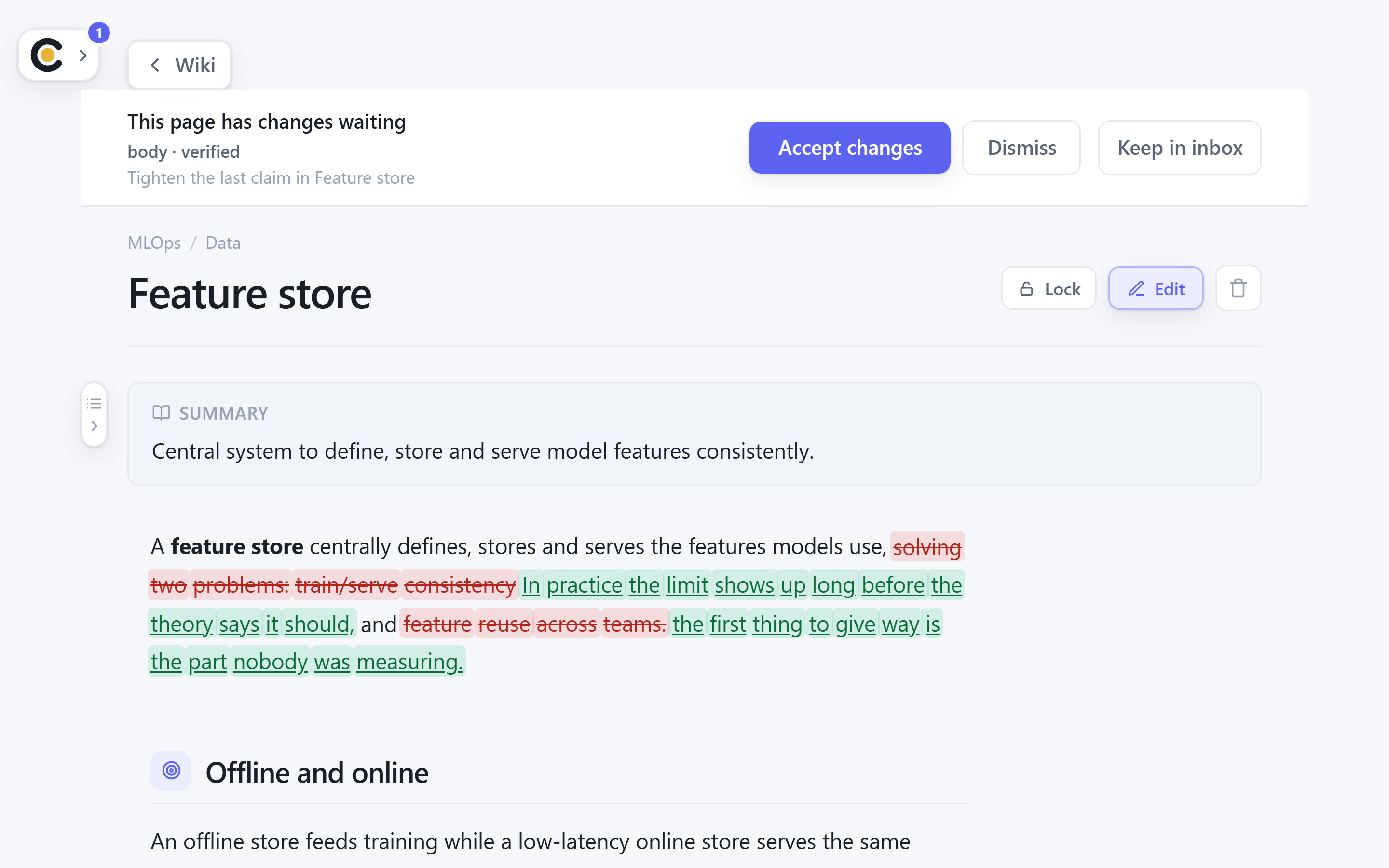
- “Go through this page and check it against real sources.” Your assistant re-reads the page, tests the claims, and proposes a rewrite with the citations inline as footnotes and a References section at the end. Where it has web search, those are sources it actually looked up. You see the whole thing against the current page before any of it lands, and the page then carries the date it was last checked.
That second one is a change rather than a question, which is what the next section is about.
One boundary worth knowing: these tools see the wiki you have accepted, not the inbox. Something you filed but have not reviewed yet is not there to be read.
Reshaping the wiki
This is the part most people never discover, and it is the useful half. Your assistant can propose structural edits, and everything below arrives as a reviewable changeset: a list of operations you approve or drop, one by one.
| Say something like | What it proposes |
|---|---|
| ”These two pages are about the same thing, merge them” | merge. The absorbed page’s body is appended to the survivor, then it goes away. |
| ”Move these under MLOps” or “rename this page” | move / rename. A move can also say where in the chapter: a numbered slot, or “after Chunking”. |
| ”This page is too thin, expand it and add citations” | update_page. Citations arrive inline as footnotes with a References section. Where your assistant has web search, the sources are real ones it looked up. |
| ”Add a diagram to this page” | update_page with a Mermaid diagram, or one self-contained animated figure, rendered in the page itself. |
| ”These questions are weak, write better ones” | edit_quizzes. Add to the set, replace it, or remove specific questions. |
| ”I do not need this page any more” | delete. A soft delete to Trash, so it is reversible. |
| ”While you are there, add a page on X” | add_page. A new page inside the same changeset. |
The two that pay off most are the ones nobody thinks to ask for. Merge is how you undo the near-duplicates that any growing wiki accumulates. And “go through my Cloud chapter and tell me what is badly organised” is a real request: your assistant reads the chapter, then proposes the moves and renames as one changeset you can skim in a few seconds.
What you should go over today
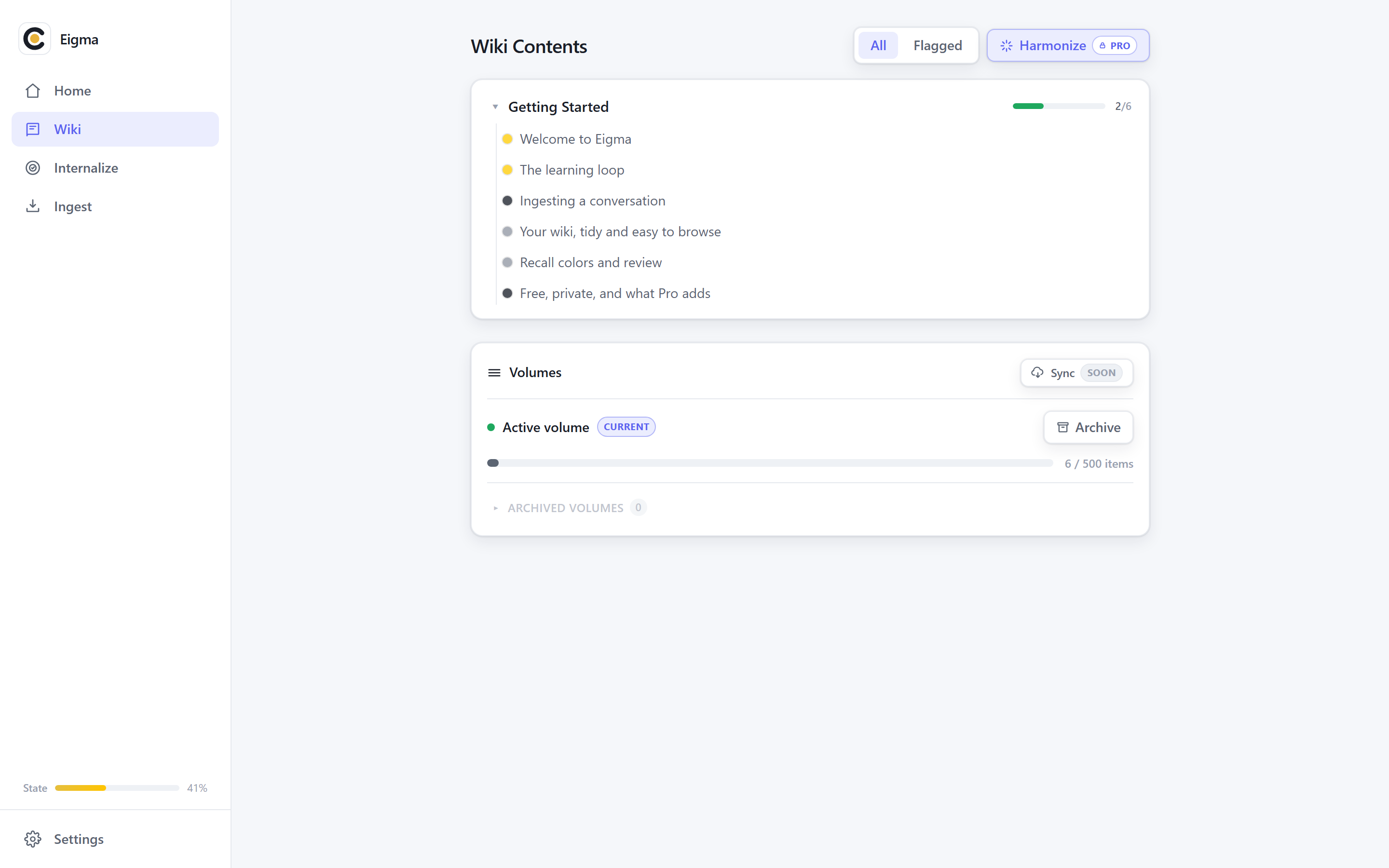
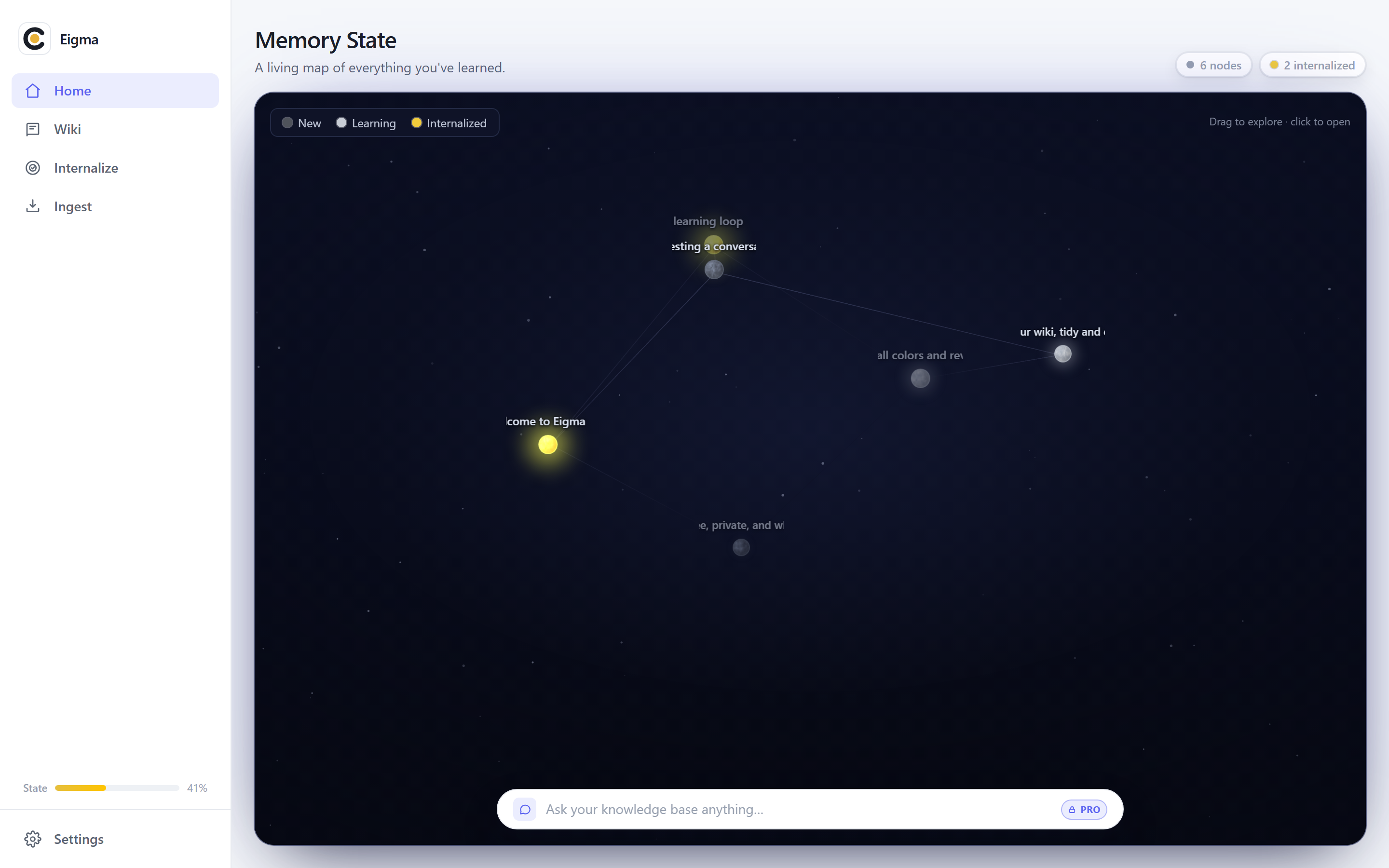
Eigma tracks how well you remember each page, and one tool hands that to your assistant.
Ask “what should I review today?” and it comes back with the pages that are fading, not the pages you happened to open last. From there, “quiz me on those” is a conversation rather than a flashcard app, and you can ask for the ones in a single chapter when you are preparing for something specific.
Reading it in another language
“Translate my page on embeddings into German” adds a German version of that page. The original is untouched, and the translation waits in the inbox like everything else. A page can carry several languages, and you switch between them as you read.
The eight tools
For when you see a tool run in the chat and want to know what it is doing.
| Tool | What it does |
|---|---|
eigma_browse_wikiread | Your chapters and pages, or one chapter in detail. ”What chapters do I have?” |
eigma_search_wikiread | Finds pages by concept, across languages. ”Do I have anything on vector databases?” |
eigma_read_pageread | One page in full, or a whole chapter at once. ”Use my page on Kubernetes to answer this.” |
eigma_resolve_pagesread | Checks drafts against the wiki, so an update lands on the page you already have. Runs on its own, before anything is saved. |
eigma_list_pages_to_reviewread | What is fading, and what is due. ”What should I review today?” |
eigma_save_noteswrite | Turns a conversation into pages, filed and with questions. ”Organize this into Eigma.” |
eigma_suggest_editswrite | Merge, move, rename, rewrite, delete, add, and edit questions. ”These two pages overlap, merge them.” |
eigma_translate_pagewrite | Adds another language version of a page. ”Translate my embeddings page into German.” |
Five read, three write. Every write stops at your inbox: you get a receipt in the chat, and the change enters your wiki when you accept it in Eigma, not before.